


How It Works
Start with a photo of your pet. Choose the rest on the product page.
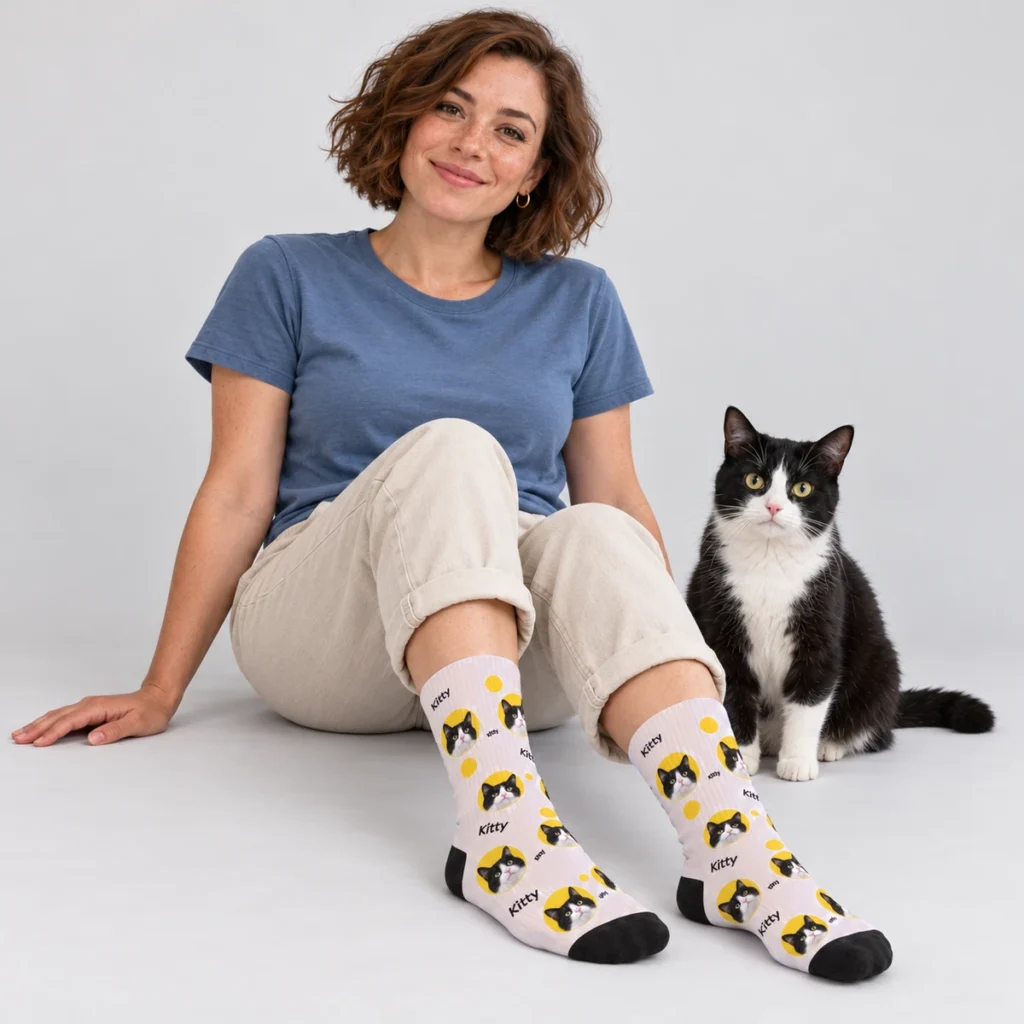
Choose a design and color
Browse the patterns, then choose a background color on the product page. Product photos show your selected color. Designs with on-foot photos also show that view where available.
Upload one clear photo
Keep the whole face and both ears visible. Use an original JPG, PNG or WebP, up to 8 MB and at least 300 × 300 pixels. Background removal is handled separately.
Read the photo guideAdd a name and review
Add the optional name and a short design note. Review the color, photo, spelling and quantity in your bag. For another pet or color, personalize another pair separately.
About the preview
Choose your designThe upload preview confirms your selected photo; it is not a finished design proof. The final cutout and print placement are prepared separately.